Upgrade face tracking version
Every so often I will revisit some of my face tracking add-ons to keep them up to date with my newer findings, here's a guide on how to update:
WARNING
If you are upgrading to a native setup DO NOT CLICK Auto-Fill Blendshapes Please make sure your are using version 3.10.6 of the VRCSDK or newer & are using VRCFT from steam Please also reffer to the appropriate doccumentation here
Create prefabs of your avatar(s)
Drag and drop your avatar(s) in your unity file explorer and click Create Original Prefab if a dialog box opens
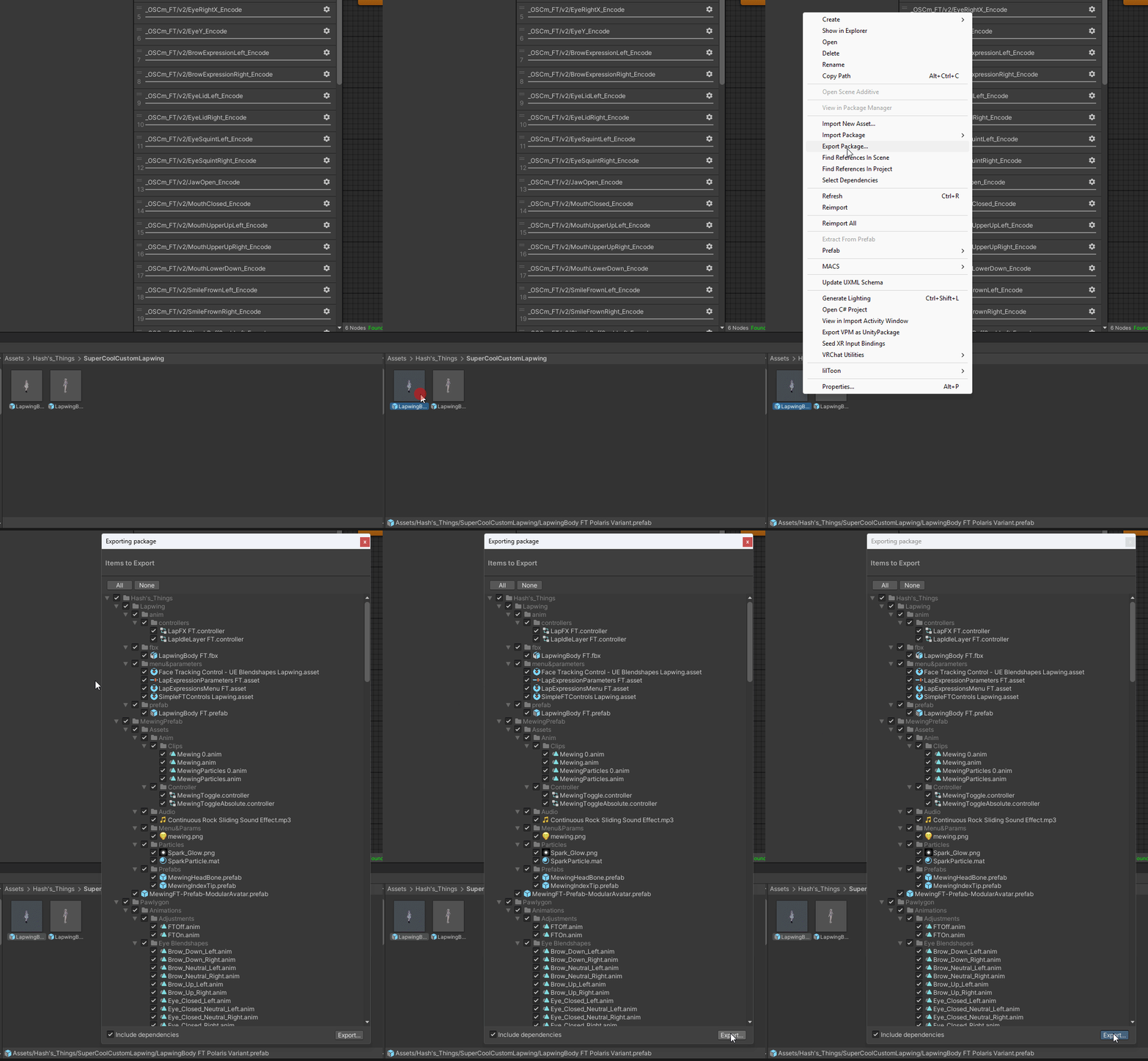
Back it up as a UnityPackage
Right click on your prefab, click Export Package ... and then Export on the new window that appears
Delete the fbx
delete the folder Hash's_Things/AvatarName/fbx
Delete the patcher folder
delete the folder Hash's_Things/AvatarName/Patcher
Import the new face tracking package in your project
Drag and drop the UnityPackage file you've downloaded from Booth or Kofi above your unity window and click Import at the bottom of the new window that apears
Patch the model like you did the first time
- Go at the top of your Unity window and click on
Tools->Hash->AvatarName

Some will have multiple options for different prefabs, you're free to do the one you want or all of them
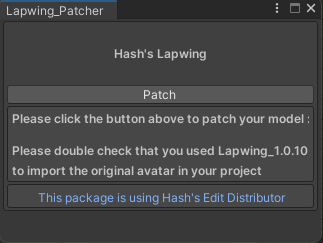
- Click the
Patchbutton on the window that opens
Make sure you are using the same animation controllers as the base FT prefab
- Navigate to
Hash's_Things/AvatarName/prefabs - Right Click → Properties
- Scroll down and look at the animation controllers
- Select your avatar
- Make sure that the animation controllers and parameters are matching