Upgrade face tracking version
Every so often I will revisit some of my face tracking add-ons to keep them up to date with my newer findings, here's a guide on how to update:
Create prefabs of your avatar(s)
Drag and drop your avatar(s) in your unity file explorer and click Create Original Prefab if a dialog box opens
Back it up as a UnityPackage
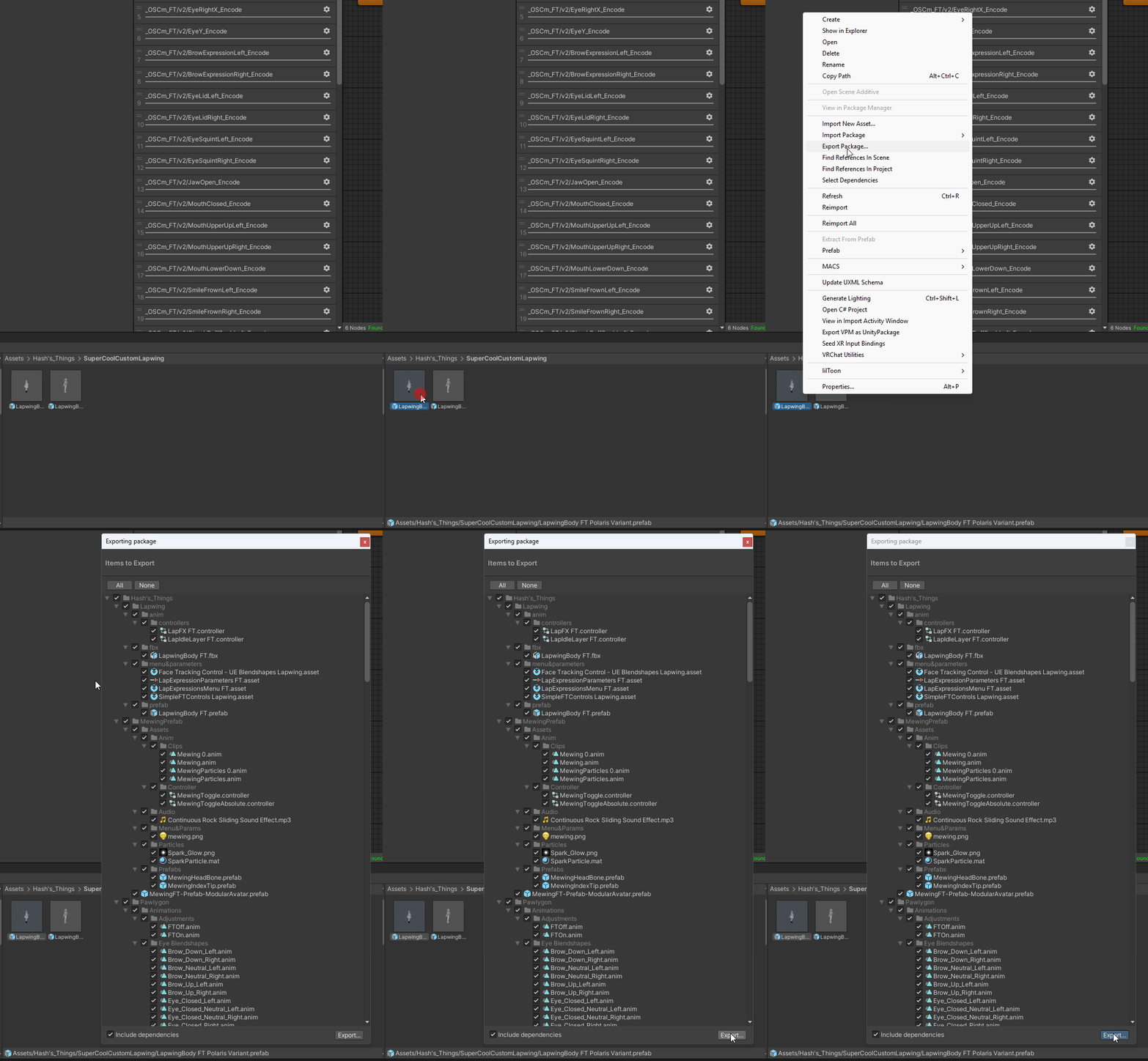
Right click on your prefab, click Export Package ... and then Export on the new window that appears
Delete the fbx
delete the folder Hash's_Things/AvatarName/fbx
Delete the patcher folder
delete the folder Hash's_Things/AvatarName/Patcher
Import the new face tracking package in your project
Drag and drop the UnityPackage file you've downloaded from Booth or Kofi above your unity window and click Import at the bottom of the new window that apears
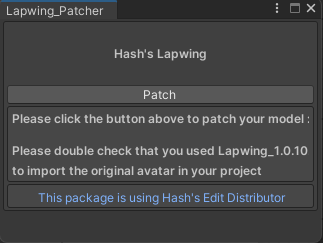
Patch the model like you did the first time
- Go at the top of your Unity window and click on
Tools->Hash->AvatarName

Some will have multiple options for different prefabs, you're free to do the one you want or all of them
- Click the
Patchbutton on the window that opens
Make sure you are using the same animation controllers as the base FT prefab
- Navigate to
Hash's_Things/AvatarName/prefabs - Right Click → Properties
- Scroll down and look at the animation controllers
- Select your avatar
- Make sure that the animation controllers and parameters are matching